Aldiko Book Reader for Tablet is Here!

Aldiko Book Reader Tablet Version

After months of effort, the long-awaited tablet version of Aldiko Book Reader app is finally here, with a brand new user interface and many more optimized functions.

  • Brand New User Interface
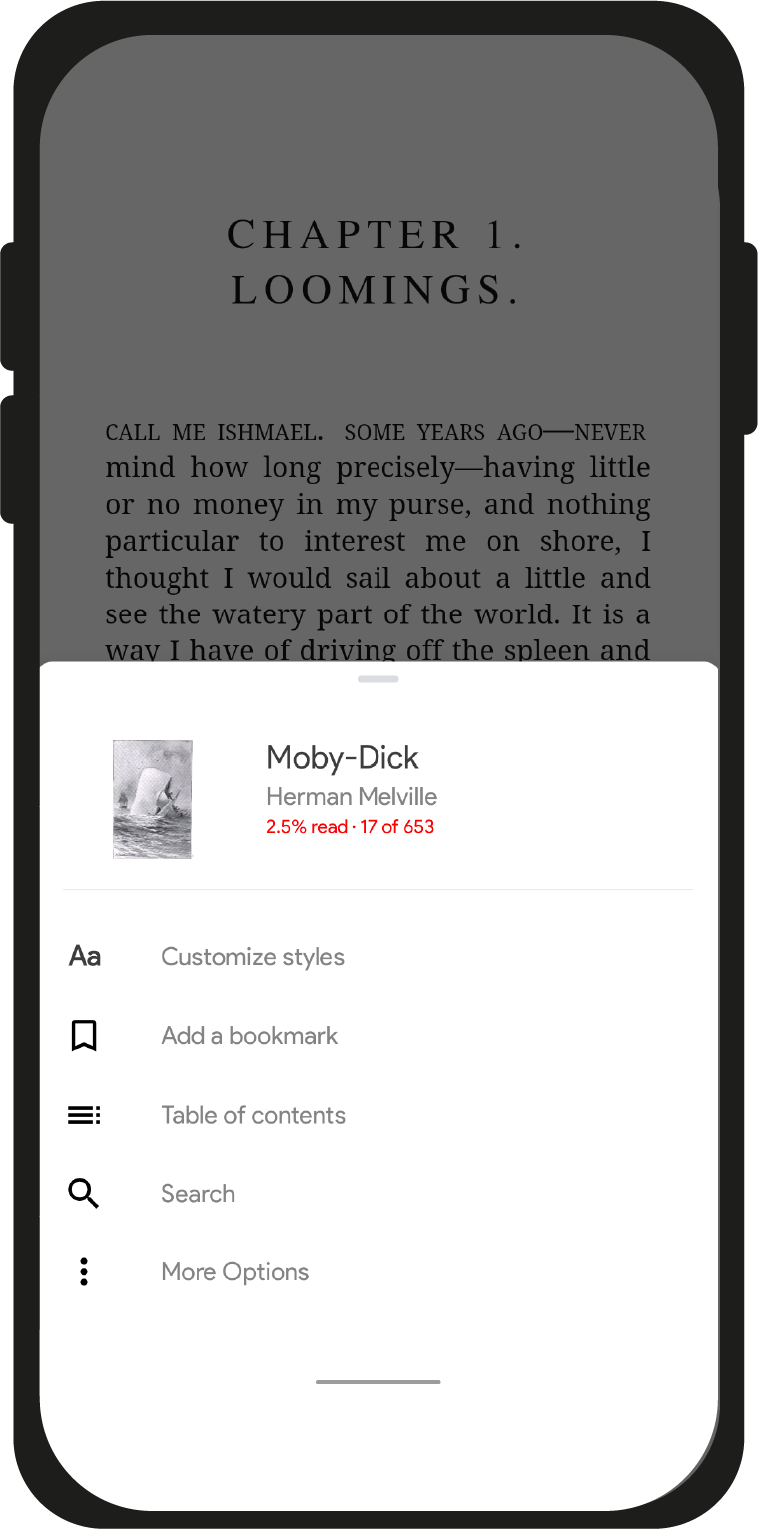
We have optimized the user interface of the app to honeycomb tablets, providing you an intuitive and friendly eBook browsing, reading and organizing experience on tablets. In addition, we have also made some visual improvements to the user interface of the phone version with new navigation icons, app icon and shelf view interface, which will give you a more enjoyable experience.
  • New “Open As…”

With the updated Aldiko Book Reader app, you can now open and import your own eBook files and documents directly from browsers, email attachment and some third-party apps like Dropbox. What’s more, it supports opening PDF file attachment in Gmail client on Android 3.0+ tablets.

  • And much more…

Beside the above changes,we have also made a lot of improvements, here are some key points that we are thrilled to share:

  • Support new OPDS (Open Publication Distribution System) callbacks feature
  • Performance improvement, making the app faster and more reponsive
  • Miscellaneous bug fixes

This is not the end, we will continue to make the Aldiko Book Reader app better and better. We love to hear your feedback, please drop us a line and tell us what you think!

This update is now available for Premium users on the Android Market(Premium version), it will soon be released to Free users on the Android Market(Free version). Alternatively, you can use your Android device to scan the QR code below. Get it today !

aldiko android market link barcode

P.S.: The new update will be available on Amazon Appstore as well after Amazon completes reviewing the app.

  • Anonymous

    It looks just great. 

    But what is “Datoteke”? You seem to have translated something weirdly. It’s certainly not swedish. Actually, stuff seem to be translated sometimes and sometimes not. 

  • Bartt Pefley

    I’m using this on honeycomb tablet and can’t seem to get any of the settings options open. Is there a users manual for the new UI?

  • Anonymous

    hey, any news on the port to the amazon marketplace, really want your reader on my kindle fire!

  • Kelsey Martin

    This new updated UI for tablets is great.  Looks really nice, and I like the streamlined features.

    The one feature I’d really like to see in the next build is a two page landscape layout.  I like to hold my tablet in landscape and really enjoy the feature in Google’s ebook app.  I love Aldiko though and I think the app would be perfect if this was added.
    Another tiny request (but not necissary) would be full color control for the font and background, instead of preset swatches.  But anyway, keep up the good work, I love this app!

  • Russell Baron

    I would like to 2nd the comment about the two page landscape layout especially if it had a page turn animation like in google books.  Aldiko has far and away the best feature set but for a pure reading experience I prefer the two page simulated book layout.

    Thanks for working so hard on a great app, for me it would be perfect with the above options.

  • Anonymous

    I had Aldiko on my Coby Kyros tablet, I even purchased their Premium but unfortunately after their update I no longer am able to used this app.  I contacted them around 1 month ago but still no results.  A pity, its a very good reader app.  Looking for a new one ereader app.

  • Anonymous

    I bought this today, and I have a few concerns. First of all, imported PDF books will not compress the text to the size of the screen, making some books impossible to read without zooming and dragging the screen to read the whole sentence. Second of all, while zoomed in, you cannot simply turn the page by dragging to the left, you will have to zoom out, and then drag it to the left to change page. Third: I would like to have an option such as in iReader, which allows me to see the time of day, battery percentage, and percentage read of the book in the corners of the screen. Apart from this, it’s a decent application, but please make it so that it can compress the text to the screen, otherwise it’s practically useless for reading. All modern web browsers will compress the text to fit the screen, and Adobe Reader does it just perfectly – but Aldiko does not. Looking forward to more updates.

  • http://profile.yahoo.com/EL3YYOOVNJUGAFXYKZYC23GUKE Jonathan

    Another vote for two page landscape layout. I love Aldiko, but it is not worth it to me to pay for a version that lacks this feature. Moon Reader does this really well but, unlike Aldiko, does not work with DRM-protected books.

  • Rob Silver

    Blackberry recently updated it’s OS to support Android apps.  The catch is that users don’t directly access the Android market (at least not without work-arounds).  Instead, app creators need to submit their app for sale on Blackberry’s App World.  The good news is that the process has been streamlined and automated so that publishers don’t need to re-write their code for the platform, they just submit it and it gets re-packaged to work with the architecture.

    Any hope of seeing Aldiko appear there?